What do you recommend?
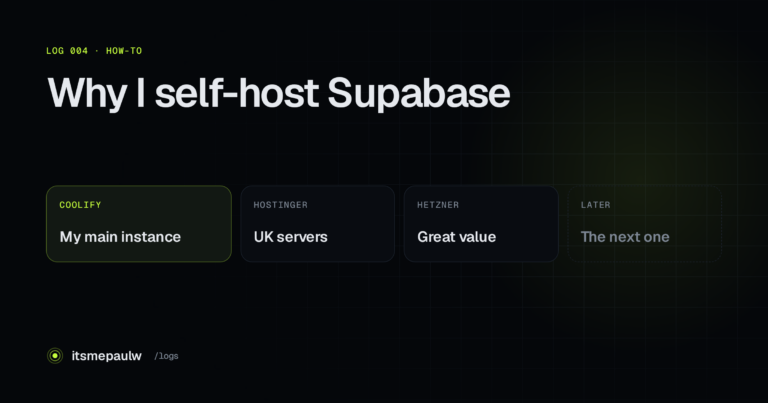
What would I recommend? A great question, and truly, there are almost limitless options. At first the choices can seem overwhelming, but there are some top picks depending on what you’re building and want to achieve. My usual stack is Nuxt (a framework for building web apps) and self-hosted Supabase (the database, logins and file storage behind an app, running on my own server). But the reality is that I talk it through with an agent at the start of every new project.
I prefer to start with the data structure (the database). That way, the agents building the frontend (the part people see) have a clear picture of where the data lives and how it’s updated and changed.
I nearly used Next.js
When I started planning a bespoke scheduling and document compliance app for cruise musicians, I expected to go with Next.js. Everyone does, right? I’d seen lots of people build web apps with Next on X and YouTube, and all those people can’t be wrong! My agent agreed at first: Next.js was probably the best choice, because there’s so much of it in the training data (what the AI learnt from).
Writing out the initial spec, I explained to my agent what I wanted to build and why, and got a great brainstorming session going. Once we’d talked through the key features the app needed, it quickly became clear that Nuxt was the better fit. I checked the documentation for everything on the shortlist, and found You should learn Nuxt! by Syntax on YouTube really useful; it pushed me towards Nuxt. I prefer to self-host wherever possible, and self-hosted Supabase fitted this stack neatly.
I also checked with Claude how well, and how comfortably, it could handle Nuxt 3 and Vue. As a non-coder, I wanted to be sure the AI could handle everything about the code. If you’re choosing a framework, it’s a question worth asking your agent too.
What really tipped it was building a prototype in both Next and Nuxt and seeing how much snappier Nuxt felt. I also needed this app to be a PWA that worked well on phones and other screens smaller than a desktop.
If you aren’t sure: a framework is like a ready-made building kit that helps you create websites and apps without starting from scratch. Nuxt and Next.js are two popular ones. They do similar jobs but use different technologies behind the scenes (Nuxt is built on Vue, Next.js on React). A PWA (progressive web app) is a website that can also behave like a normal app on your phone or computer: you can install it, open it from your home screen and sometimes even use it without an internet connection. So Nuxt and Next.js help you build an app, while PWA describes how that app works for the person using it.
While I was learning HTML, CSS and JavaScript, I grew more and more interested in frameworks, because they get you on your way faster. They come with ready-made tools that speed up building, and agents have made it faster still.
How I start the conversation
There are so many views on prompting, and plenty of “experts” ready to tell you what you’re doing is wrong! Honestly, with the latest models, you should just get stuck in and ask, ask, ask! That said, my approach works for me, and I’m happy to share what I do and why.
My top advice: tell your agent what you know (including what you want) and what you don’t. It might sound obvious, but people often tell an agent “Build me a CRM” (a customer relationship manager: contacts, notes, follow-ups). The agent will build a “good” CRM based on its own assumptions. Tell it “Build me a CRM that has the following features…” and you’re far more likely to get what you need. Likewise, if you know other things about the project, put them in your prompt.
If you haven’t built with a framework before, or aren’t sure you even need one (yes, you can achieve most things with plain HTML, CSS and JavaScript), this is where the conversation and brainstorming pay for themselves. Here’s an example of how I’d write the first prompt:
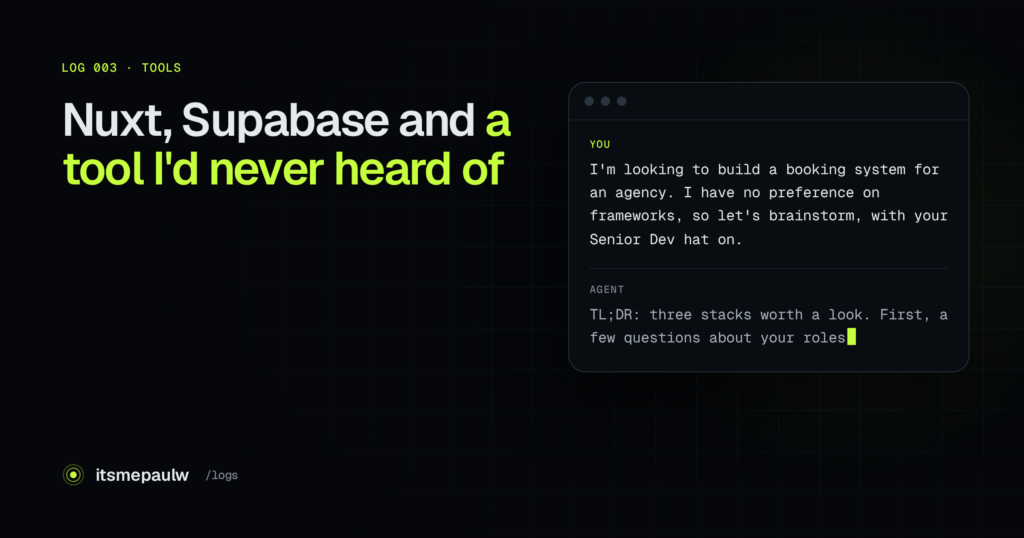
I'm looking to build a booking system for an agency where the agency will manage their clients and their diaries. The app will not be multi-tenant but will require different roles. I'm looking for suggestions on frontend and backend frameworks to bring this to life and would like to brainstorm the possible frameworks that would be suitable, with your Senior Dev hat on. I have no preference on frameworks, so please provide a clear TL;DR summary of your findings and make recommendations of which you think would be suitable for this project.“I’m looking to build a booking system for an agency…” One sentence that says what you’re looking for and the basic premise.
“The app will not be multi-tenant but will require different roles.” An important line: your agent immediately knows the build needs authentication (logins, and who can see what). Multi-tenant (one app serving several separate organisations, each with its own data) adds another layer of complexity, so saying so clearly manages the agent’s assumptions.
“…with your Senior Dev hat on.” Why the hat? I’m pretty sure it isn’t essential, but like switching on a higher thinking mode, it gives a little context on how to approach the task.
“…please provide a clear TL;DR summary…” Depending on the AI you use, you might get a wall of text back, which can feel confusing in itself! I add “TL;DR” (too long; didn’t read) as a safeguard to keep the response concise.
Depending on how visual you are (and the size of your plan), having the agent create an HTML document can be a great way to organise the information. It’s worth pointing out that this can burn through tokens (the units your AI usage is measured in). Some skills offer ready-made HTML layouts that get your agent going quicker, with fewer tokens.
Always give your agent as much context as you can about what you want to build. The more context, the better its starting point for helping you.
Encourage the session to be interactive, which is why asking for a brainstorm helps so much. Most harnesses (the app you use the agent in, such as Claude Code, Codex or T3 Code) have built-in brainstorming skills, so if you aren’t getting the experience you want, start one with a slash command. Usually, just using the word “brainstorm” is enough.
Don’t be afraid to push back, ask why, or change the output (make me a diagram, show me a link), as you would in a conversation with a real person. You’ll be surprised by the results.
The tool I’d never heard of
I needed an app that solved a real problem: playing back stems (several tracks at the same time) as well as “regular” tracks, through a login system where people could only reach what they needed. Why? Because the brands we worked with had concerns over IP (their intellectual property, in this case the music) and wouldn’t let us send tracks to large numbers of musicians.
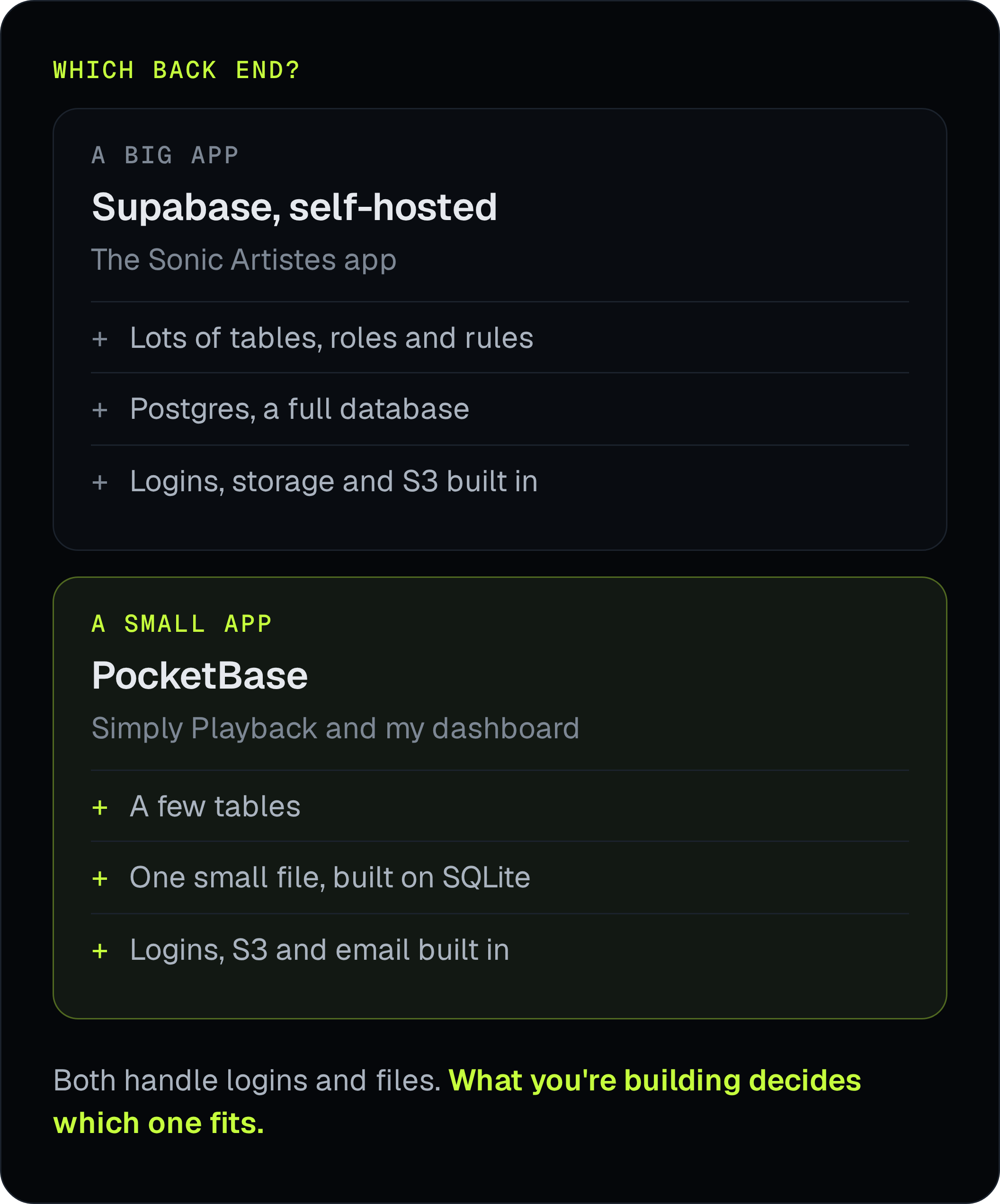
I knew it didn’t need to be multi-tenant (though that would have been nice to have), and that files needed to be offloaded to S3 storage (Amazon’s file storage, or any service that works the same way). In my heart of hearts, I knew Supabase was probably too complicated for so few tables and the features the app needed. So I gave Claude the context of what I wanted to achieve, and it came back with something I’d never heard of that fitted exactly: PocketBase.
PocketBase is tiny by comparison with Supabase: a single file of around 30 MB (a 12 MB download), built on SQLite (a small database that lives in one file). Claude flagged, repeatedly, that PocketBase hasn’t reached version 1.0 yet, so it isn’t recommended for production: things can still change between versions. That was my judgement call. For something relatively small-scale, it wasn’t a big concern compared with the benefits. It has changed how I build smaller apps: built-in logins, S3 storage, email (SMTP) and an API (how the app talks to the database), all in one small file. It also meant Claude could build the database features, run tests and handle the whole workflow with ease. I’m looking forward to the official 1.0 release, as it’s such an incredible tool. It now powers my personal dashboard too.
Had I not brainstormed with Claude, this project would have gone in a very different direction, and one that would have cost more in time and in hosting.
Checking what the agent says
I find these conversations really insightful, and being absolutely honest, I’ve turned down plenty of suggestions! But agents are just as good at helping rule out the ones that really aren’t suitable. Asking the agent for links to what it finds and suggests is a great way to reach the documentation quickly.
Turning something down doesn’t mean never. It usually means “not now” or “not for this project”. For Simply Playback there were some really good options, including a few local databases (ones that run on your own computer rather than a server), but I knew this project needed something hosted and small.
For PocketBase, going straight to its documentation (with more useful detail on GitHub) gave me a proper feel for what it does and doesn’t do, and what it’s suitable for and what it isn’t. You get the picture.
YouTube is often my next port of call, eagerly hoping some of my trusted go-tos (the channels I listed in How I’d start) have walkthroughs of whatever I’m exploring. X is good too, for the threads where people argue about why something is the best or worst solution, every single time!
Find what works for you
The choices out there might feel completely overwhelming, but stay focused on the what and the how, with your agent. In my experience, the top of the list has to be what you’re building. That decides a huge amount about the stack you’ll need and want to use. Once you find a rhythm (and over time it really does feel like one), you might swap parts of your stack when a project needs it, as I did with PocketBase instead of Supabase.
Nuxt was the right fit, and honestly, I’m building huge apps with it. Whenever an agent has got something wrong, it has found a solution. One caveat: make sure your project documentation (your spec) puts security and robust solutions ahead of quick wins.
Having the right tools for the job is key to a fantastic end product that’s easy to maintain. Don’t use a huge framework if you just need a landing page.
In the next log, I’ll go into why I self-host Supabase, and whether you should. Follow me on X so you don’t miss it.